

A PayPal chargeback feels like a punch to the gut for any business owner. It’s not just the lost sale that stings; it’s the cascade of extra fees and the painful, time-sucking dispute process that follows.
What starts as a single customer dispute can quickly spiral, costing you way more than the original product's price. That's why having a solid PayPal chargeback protection strategy isn't just nice to have—it's essential for survival.
The True Cost of a PayPal Chargeback
When that chargeback notification hits your inbox, the first thing you probably think about is the money from the sale—poof, gone. But that's just the tip of the iceberg. The real financial damage runs much deeper, thanks to a stack of fees, operational costs, and potential penalties that eat directly into your profits.
Think of it less like a simple refund and more like a financial penalty with a lot of extra, frustrating steps.
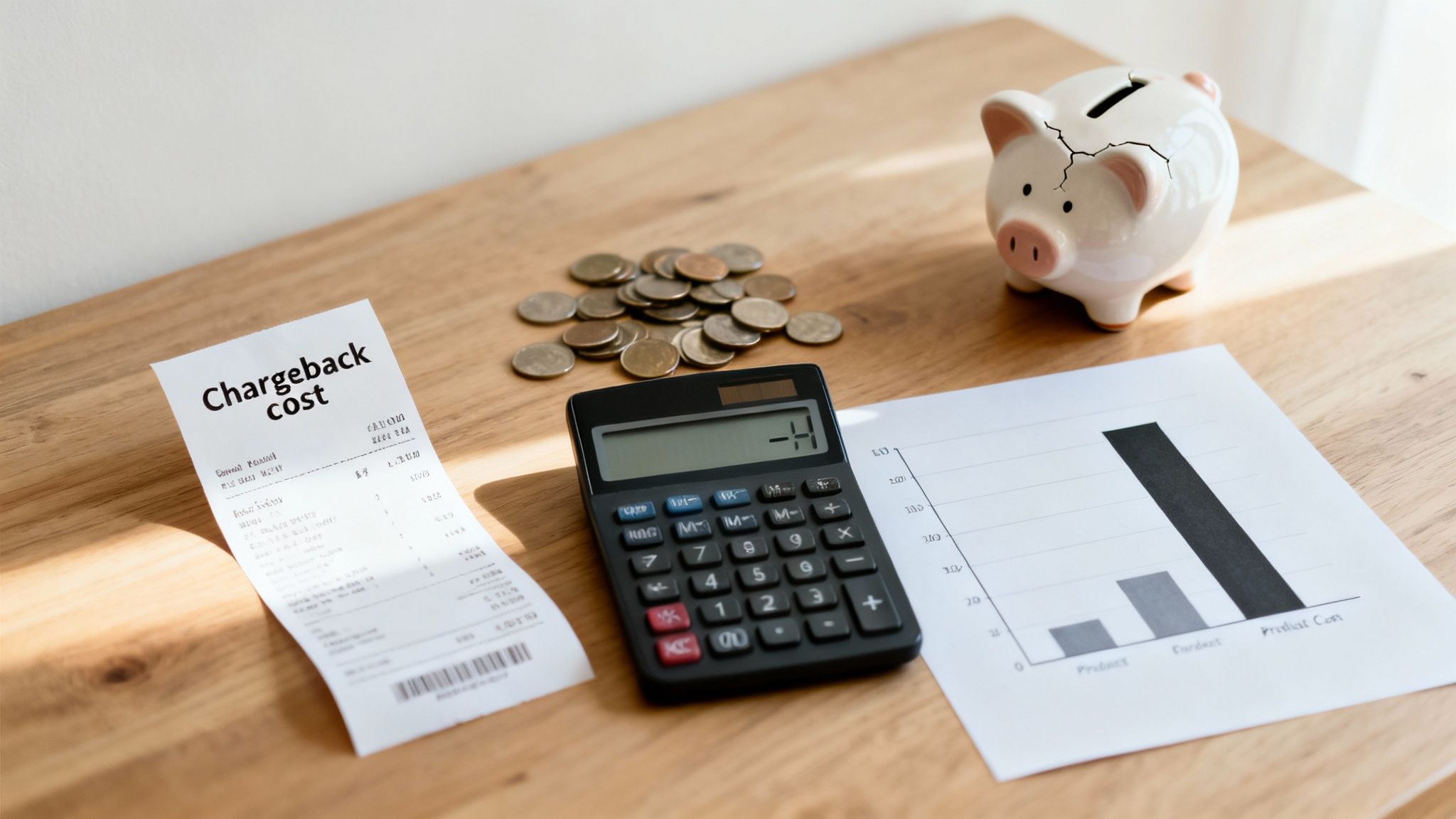
Every single chargeback sets off a chain reaction of costs that add up fast, turning a small hiccup into a major financial headache. Getting a handle on these hidden expenses is the first step to understanding why you need to be proactive about protection.
The Immediate Financial Hit
The most obvious loss is the revenue from the transaction itself. If a customer paid you $100 for a product, that money is yanked right out of your account as soon as a chargeback is filed. But the bleeding doesn't stop there.
On top of that, PayPal hits you with a non-refundable dispute fee for every single chargeback. This means that even if you fight the case and win, getting the transaction amount back, you're still out the cost of that fee. It’s a direct penalty just for having a dispute filed against you. You can get the full rundown on these costs in our guide explaining what is a chargeback fee.
The Hidden Operational Drain
Beyond the direct fees, the operational costs are where the true damage piles up. Just think about the hours your team spends digging up evidence, writing responses, and tracking the dispute's progress. This is all time that could have been spent on marketing, helping other customers, or actually growing your business.
Industry data shows just how staggering the impact is:
- Direct Fees: PayPal slaps a steep $20 fee on merchants in the US for each chargeback, making every dispute a financial hit right from the start.
- Total Expense: When you factor in staff time, lost inventory, and other operational costs, the average total expense of a single chargeback can be 1.5 to 2.5 times the original transaction value.
- Time Sink: For merchants, this adds up incredibly quickly. A business dealing with an average of 679 chargebacks per month can easily spend around 30 hours just on manual dispute handling.
Here's the bottom line: a single $100 chargeback doesn't just cost you $100. Once you add the dispute fee, the cost of the lost product, and the value of your team's time, the total loss can easily climb to $250 or more.
This multiplier effect is what makes chargebacks so dangerous to a business's health. Without a proper PayPal chargeback protection plan, these costs can become unsustainable, draining your resources and stopping your growth in its tracks. It’s a battle you simply can't afford to fight unprepared.
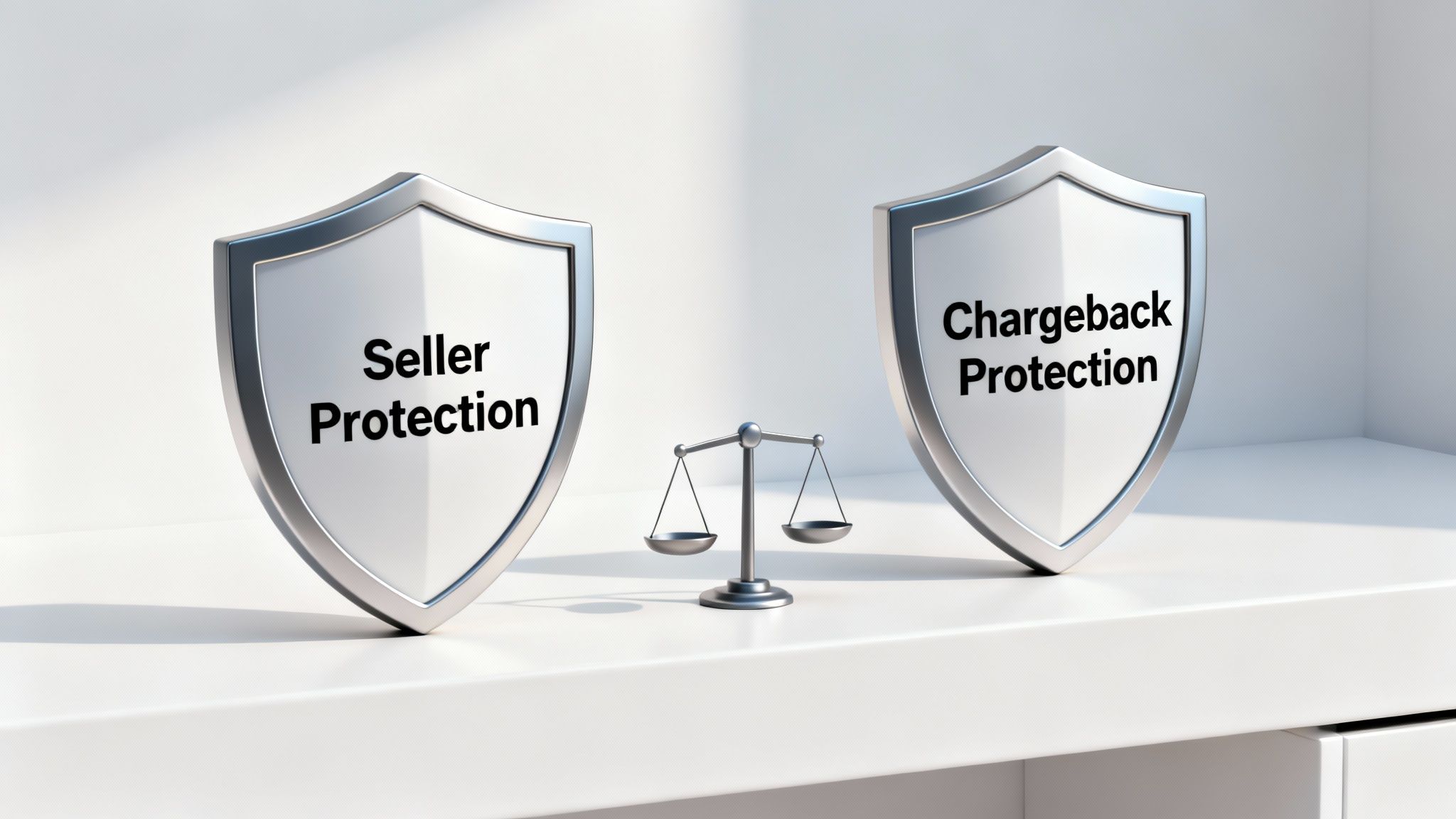
If you're a merchant using PayPal, you’ve probably seen the terms "Chargeback Protection" and "Seller Protection" thrown around. It’s a common—and often costly—mistake to assume they're the same thing. They aren't. While both act as a safety net, they cover very different scenarios.
Getting them mixed up can leave your business wide open to unexpected losses. Think of it like having two kinds of car insurance: one for theft and another for collisions. You wouldn't expect your theft policy to cover a fender bender, and the same logic applies here. Nailing down the difference is the first step toward building a real defense against chargebacks.
What Is PayPal Seller Protection
This is the one most people know. PayPal Seller Protection is the default, built-in coverage that comes with your account. It’s an automatic safeguard designed to shield you from two very specific types of disputes, but only if you follow all of PayPal's rules to the letter.
Essentially, this protection is your basic shield against clear-cut fraud. Its focus is narrow, but it's a vital first line of defense.
The two main scenarios it covers are:
- Unauthorized Transaction: This is when a customer claims they never approved the payment. Think stolen cards or hacked accounts.
- Item Not Received (INR): This happens when a buyer insists they paid for something but it never showed up at their door.
To even qualify, you must meet strict criteria. For example, you have to ship to the exact address listed on the transaction details page and have valid proof of delivery. If you tick all the boxes, PayPal will cover the loss for these two specific claims. For a deeper dive into the process, check out our guide to the PayPal Dispute Resolution Centre.
What Is PayPal Chargeback Protection
Now, this is a different beast altogether. PayPal Chargeback Protection is an optional, paid add-on that you have to enroll in. Instead of just covering specific dispute types after they happen, this service uses PayPal's own fraud-detection tech to screen your transactions before they're even completed.
If PayPal’s system gives a transaction the green light, but it later turns into a chargeback for a covered reason, PayPal steps in. They'll waive the chargeback fee and eat the loss themselves, so you don't have to.
The key takeaway is this: Seller Protection is a reactive safety net for two specific problems. Chargeback Protection is a proactive screening tool that helps stop certain types of fraud before they even happen.
It’s also smart to get familiar with wider industry safety nets, like understanding 3D Secure 2 (3DS2) liability shift authentication, which plays a big role in deciding who is on the hook for fraudulent charges.
Key Differences At a Glance
The easiest way to see where these two programs diverge is to put them side-by-side. Pay close attention to the gaps in coverage—especially for "friendly fraud" reasons like 'Item Not as Described,' which is where merchants are often most vulnerable.
Comparing PayPal's Merchant Protection Programs
Here's a side-by-side look at PayPal's two main protection programs for merchants, highlighting the key differences in what they cover and who can use them.
At the end of the day, neither program is a silver bullet. Seller Protection offers a decent baseline but leaves you defenseless against some of the most common "friendly fraud" tactics. Chargeback Protection adds a much-needed layer of proactive defense, but it still doesn't cover every situation. This is why having a complete, multi-layered strategy is absolutely essential.
Common Mistakes That Can Cost You Your PayPal Protection
Having PayPal's protection programs in your corner feels like a solid safety net. The problem? That net has some surprisingly large holes in it. Simple, everyday mistakes can instantly disqualify you from coverage, leaving you to foot the bill for a dispute you thought you were protected against.
It’s a frustrating situation that catches countless merchants off guard. You follow what you think are the rules, only to find out you missed a critical detail buried in the fine print. This isn't about scaring you; it's about showing you how to sidestep these common traps so you can keep your protection locked in every single time.
Shipping to the Wrong Address
This is, without a doubt, the most frequent and costly mistake merchants make. PayPal Seller Protection is incredibly strict on this point: you must ship the item to the shipping address listed on the PayPal "Transaction Details" page. There are absolutely no exceptions.
Imagine this: a customer emails you right after purchase, asking to send the item to their office or a relative’s house. It feels like good customer service to say yes, but doing so immediately voids your protection. If that transaction turns into an "Item Not Received" claim, you'll have no leg to stand on, even if you have a delivery confirmation slip.
The rule is simple and absolute: The only address that counts is the one on the PayPal transaction page. If a customer needs to change it, the only safe way is to cancel and refund the original order, then have them buy it again with the correct address.
Failing to Provide the Right Proof
When a dispute pops up, the burden of proof is squarely on your shoulders. Just saying you sent the item won't cut it; you need to provide concrete evidence that PayPal will accept. For "Item Not Received" claims, this means a valid proof of delivery (POD) from your shipping carrier.
But what actually counts as valid proof? It's more than just a tracking number. For any transaction over $750 (or the equivalent in another currency), PayPal requires a signature confirmation. If you don't have one for a high-value item, you automatically lose the dispute.
Here’s what you need to have ready:
- Proof of Shipment: For lower-value items, this shows you actually sent the package. It must include the date it was shipped and the recipient's address—which, again, has to match the one on the transaction details page perfectly.
- Proof of Delivery: This is the gold standard. It needs to show the delivery date, the recipient's address (matching PayPal's record, of course), and for items over $750, that all-important signature.
Failing to have this documentation ready and correct is like showing up to a court case with no evidence. For a complete breakdown of exactly what's required, you can explore the official PayPal chargeback policy.
Missing the Strict Response Deadlines
PayPal operates on a tight schedule. When a dispute or chargeback is filed, you’re given a very narrow window to respond—often just 10 days. This isn’t a friendly suggestion; it’s a hard deadline.
So many merchants lose cases they could have easily won simply because they missed this window. Life gets busy, emails get buried, and before you know it, the deadline has passed. Once it does, you automatically lose the case, and the funds are yanked back to the buyer. There are no do-overs for being late.
This makes being prompt a critical part of your PayPal chargeback protection strategy. You have to monitor your account diligently and act the moment a dispute notification arrives. Treating every single alert as urgent is the only way to make sure you never lose by default. By sidestepping these common slip-ups, you drastically improve your chances of keeping your revenue right where it belongs: in your business.
How to Fight a PayPal Chargeback and Win
Getting that notification from PayPal about a new chargeback is enough to make any merchant's stomach drop. It often feels like you're being treated as guilty until proven innocent, but that’s not how it has to be. With the right game plan, you can absolutely fight back and protect your revenue.
Winning a PayPal chargeback isn't about luck—it's about preparation and speed. Think of this as your step-by-step playbook for tackling disputes with confidence, from the second you get the alert to the moment you submit your final evidence.
Your Immediate Action Plan
When a chargeback hits, time is your most precious resource, and it’s already running out. PayPal gives you an incredibly tight deadline—often just 10 days—to build and submit your entire case. If you miss that window, it's an automatic loss. No appeals, no second chances.
So, the second that notification lands in your inbox, your first move is to log into the PayPal Resolution Center. Don't put it off. Find the case, see what the buyer is claiming, and start pulling your evidence together immediately. The clock is ticking.
Tailoring Your Evidence to the Claim
A generic, one-size-fits-all response is a guaranteed way to lose. The evidence you submit has to directly counter the specific reason the customer filed the chargeback. You're not just throwing documents at the wall; you're building a targeted case that refutes their claim with clear, undeniable proof.
Let's break down the two most common dispute types and exactly what you need to win.
Responding to "Item Not Received" Claims
This is the most straightforward chargeback to fight, but only if you have your ducks in a row. The customer is simply claiming they never got the product. Your job is to prove they did. End of story.
Here’s your evidence checklist:
- Proof of Delivery (POD): This is non-negotiable. You need a tracking number from a major carrier (like FedEx, UPS, or USPS) that clearly shows the item was delivered to the address listed on the PayPal transaction details page.
- Signature Confirmation: For any order over $750, a simple tracking update isn't enough. You must have proof of delivery that includes the recipient’s signature. If you don't have it, you will lose the case.
- Matching Addresses: Before you submit anything, double-check that the delivery address on your shipping label perfectly matches the address from the PayPal transaction. Any small difference can get your claim denied.

This flowchart perfectly illustrates how simple mistakes—like shipping to an unconfirmed address or failing to provide adequate proof—lead directly to a denied claim. Following PayPal's rules to the letter is critical.
Fighting "Significantly Not as Described" Claims
These are much trickier. Here, the customer admits they got something, but they claim it wasn't what they ordered. Maybe it was the wrong color, arrived damaged, or they suspect it's a counterfeit. Your mission is to prove that the item you sent was exactly as you described it.
Your evidence needs to paint a clear picture:
- High-Quality Product Photos: Pull crystal-clear images from your product listing to show they match what the customer received. If you happen to have photos of the actual item you packed and shipped, that’s even better.
- Detailed Product Descriptions: Provide a screenshot or copy of the product description from your website. If possible, highlight the specific features, dimensions, or materials the customer is disputing.
- Pre-Shipment Proof: Do you take photos or videos of items as you pack them? This can be incredibly powerful evidence to prove the item’s condition before it ever left your control.
- Customer Communication: Include any emails or messages where you discussed the product's details with the customer before they purchased.
The goal is to build a narrative so compelling that it leaves no room for doubt. Your evidence should tell a simple story: you described the item accurately, shipped it correctly, and it was delivered just as promised.
The Art of the Rebuttal Letter
Once you've gathered all your proof, you need to package it with a professional rebuttal letter. This is your one chance to summarize your side of the story for the reviewer. Keep it short, factual, and easy to scan.
Follow this simple structure:
- Start with the Basics: At the top, clearly state the transaction ID, date, purchase amount, and the customer's name.
- State Your Case: Get straight to the point. For example, "We are disputing this 'Item Not Received' chargeback. As the attached evidence demonstrates, the item was successfully delivered to the customer's PayPal-verified address on [Date]."
- List Your Evidence: Use a bulleted list to make it easy for the reviewer to see everything you've included (e.g., "Proof of Delivery with Signature Confirmation," "Copy of Product Listing").
- End Professionally: A simple, polite closing is all you need.
Fighting chargebacks is a skill, and this whole process of building and presenting your case is called chargeback representment. Mastering the best practices here is what separates merchants who win from those who lose.
Ultimately, winning a PayPal chargeback boils down to meticulous record-keeping and a fast, organized response. By following these steps and arming yourself with compelling evidence, you can turn a potential loss into a win and make your PayPal chargeback protection truly work for you.
Using Automation to Strengthen Your Defense
Fighting PayPal chargebacks one by one is a slow, draining, and expensive grind. Manually digging up evidence, writing responses, and just trying to keep track of deadlines eats up countless hours—hours you should be spending growing your business. But what if you could take that entire mess off your plate and actually boost your win rate at the same time?
This is where automation completely changes the game. Modern tools can plug directly into PayPal, turning your entire dispute process from a reactive scramble into a proactive, automated defense system.

Imagine a system working for you 24/7. A dispute hits your account, and it instantly gets to work—analyzing the claim, pulling all the right evidence from your sales and shipping platforms, and crafting a compelling, data-rich response built to win. This isn't some futuristic idea; it's the new standard for effective PayPal chargeback protection.
How Smart Automation Works
Think of an automated chargeback system as your own specialist defense team that never sleeps or takes a coffee break. Instead of you having to manually sift through old order histories and shipping logs, the software does all the heavy lifting in seconds. The whole process is designed for maximum efficiency and impact.
It usually breaks down into a few key steps:
- Instant Notification: The system immediately flags a new chargeback the moment it appears in your PayPal account.
- Data Aggregation: It automatically connects to your e-commerce platform (like Shopify) and shipping carriers to pull all the relevant transaction data—order details, customer emails, and proof of delivery.
- AI-Powered Response: Using artificial intelligence, it analyzes the chargeback reason code and pieces together the evidence into a professionally written rebuttal that checks all of PayPal's boxes.
- Automatic Submission: The completed response is submitted for you, well before that strict deadline even comes close.
This hands-off approach makes sure no dispute ever slips through the cracks and every single case is fought with the strongest evidence possible.
The real magic of automation is its ability to turn a complicated, time-sensitive headache into a simple background process. It frees you and your team to focus on serving customers and scaling your business, not getting stuck in administrative battles.
The Tangible Benefits of an Automated Defense
Bringing in an automated solution does a lot more than just save you time. It has a direct and measurable impact on your bottom line by seriously improving your ability to fight and win disputes. The numbers don't lie. For every dollar a business loses directly to fraud, it can wind up costing nearly four times that amount when you factor in fees, operational costs, and lost customer trust.
Automation flips that script by creating a much more efficient and effective defense.
Key Advantages
- Higher Win Rates: AI-driven systems are masters of evidence. By submitting perfectly formatted, data-rich responses every time, they can significantly pump up the percentage of cases you win.
- Increased Revenue Recovery: Winning more disputes means you get to keep more revenue that would have otherwise vanished. That money goes straight back into your business, fueling growth.
- Elimination of Human Error: Simple mistakes like missing a deadline or forgetting to include a key piece of evidence can mean an automatic loss. Automation gets rid of these costly slip-ups for good.
- Operational Freedom: By taking the manual work off your team's plate, they can redirect their energy toward productive, revenue-generating activities.
To build a truly solid defense, it’s also smart to look into automating customer service for dispute resolution, as this can help gather evidence and improve communication from the start. For anyone wanting to dig deeper into the tech, our complete guide to automated chargeback and dispute management using AI offers a full breakdown of how these systems work.
Ultimately, embracing automation isn't just about convenience. It's a strategic move to protect your finances and make sure your business is shielded from the growing threat of chargebacks.
Got Questions About PayPal Chargebacks? We’ve Got Answers.
Stepping into the world of PayPal disputes can feel a bit like trying to read a map in a foreign language. To help you get your bearings, we’ve broken down some of the most common questions merchants have about protecting their hard-earned revenue.
What’s the Real Difference Between a PayPal Dispute and a Chargeback?
Think of a PayPal dispute as the first, friendlier step. It’s an internal conversation between you and your customer, hosted right inside PayPal's Resolution Center. It’s basically PayPal’s way of saying, "Hey, can you two work this out?" If you can’t come to an agreement, it can get escalated to a "claim," where PayPal steps in as the judge and makes the final call.
A chargeback, on the other hand, is a whole different ballgame. This is when the buyer skips talking to you or PayPal and goes straight to their credit card company or bank to demand their money back. The bank forces the refund, which makes a chargeback much tougher to fight and almost always comes with much heavier fees.
Does PayPal Seller Protection Cover 'Item Not as Described' Claims?
This is a big one: No, it typically does not. This gap catches a lot of good merchants off guard. PayPal Seller Protection is really only built to cover two specific problems: ‘Unauthorized Transaction’ and ‘Item Not Received.’
It generally won’t have your back if a buyer claims the item is ‘Significantly Not as Described’ (SNAD). When that happens, your only defense is rock-solid proof. We're talking hyper-detailed product descriptions, crystal-clear photos, and an ironclad return policy. To win a SNAD claim, the burden is completely on you to prove the item was exactly as you promised.
Can I Get Chargeback Protection for Digital Goods on PayPal?
It's tricky, to say the least. While PayPal does offer some protections for intangible goods like software, e-books, or services, the rules are way more strict. It makes sense when you think about it—proving "delivery" for something you can't physically ship is just plain harder.
To even have a shot at winning, you need to provide compelling evidence that the service was performed or the digital file was downloaded and used by the customer. Because this kind of proof is much harder to come by than a simple tracking number, digital goods are seen as higher risk and have far less straightforward PayPal chargeback protection.
How Long Do I Have to Respond to a PayPal Chargeback?
You need to move fast. The second a chargeback is filed, a timer starts, and you’re usually looking at a very tight window—often just 10 days—to get your response and all your evidence submitted to PayPal.
This isn't a friendly suggestion; it's a hard deadline. If you miss it, you lose. It's an automatic loss, and the money is gone. A prompt, organized, and thorough response isn't just a good idea—it's the only way to win.
Trying to fight chargebacks on your own is an uphill battle you’re set up to lose. ChargePay uses AI to automate the entire dispute process for you. We build winning responses backed by the right evidence to get your money back. Stop letting friendly fraud drain your profits and let automation do the heavy lifting. See how ChargePay can supercharge your win rate today.


.svg)



.svg)


.svg)
.svg)
.svg)