


A PayPal payment problem usually starts small. You sent money to the wrong email. A customer says they were charged but your team can’t match the transaction quickly. Someone on staff issues a payment, then realizes the amount or recipient is off. In the moment, all you want is a cancel button that works.
That instinct makes sense. But for a Shopify merchant, the bigger issue isn’t the click itself. It’s what happens next if the payment can’t be canceled. A simple mistake can turn into a refund request, then a dispute, then a chargeback that eats margin and burns team time.
That’s why payment control matters. ChargePay has handled 100K+ disputes, recovered $2.8M+, and posts a 92.4% win rate. Those numbers come from living inside the ugly part of the payment lifecycle every day. The lesson is simple: knowing how to cancel a paypal payment is useful, but knowing when cancellation is possible, when it isn’t, and how to stop the issue from turning into a chargeback is what protects revenue.
That Sinking Feeling When a Payment Goes Wrong
The worst PayPal issues aren’t always fraud at first glance. A lot of them look routine. A pending payment sits there longer than expected. A customer insists they didn’t mean to approve a recurring charge. Your support team sees an unfamiliar transaction status and guesses wrong.
That’s where merchants lose money. Not because PayPal is unusable, but because small payment mistakes move fast. If your team treats every problem like a refund issue, you miss the short cancellation window. If you treat every customer complaint like a dispute risk, you can create more friction than needed.
A payment problem is cheapest when you catch it before funds settle, before fulfillment moves, and before the customer calls their bank.
PayPal works at massive scale, so some confusion is inevitable. What matters is having a practical response. In operations, the first questions are always the same:
- Is the payment still pending or unclaimed
- Is this a one-time payment or a recurring billing agreement
- Has the customer already escalated
- Can we solve this with a cancellation, or are we already in refund and dispute territory
Those distinctions sound basic. In practice, they’re where teams either preserve margin or create extra work for themselves.
What merchants usually get wrong
A common mistake is assuming every PayPal payment can be reversed the same way. It can’t. Pending and unclaimed payments behave differently from completed payments. Recurring agreements live in a different part of the account. Bank chargebacks are a separate system again.
Another mistake is waiting too long because the issue “probably won’t become a dispute.” It often does. Once the easy fix disappears, your options get slower, more manual, and more expensive.
How to Cancel a Pending PayPal Payment
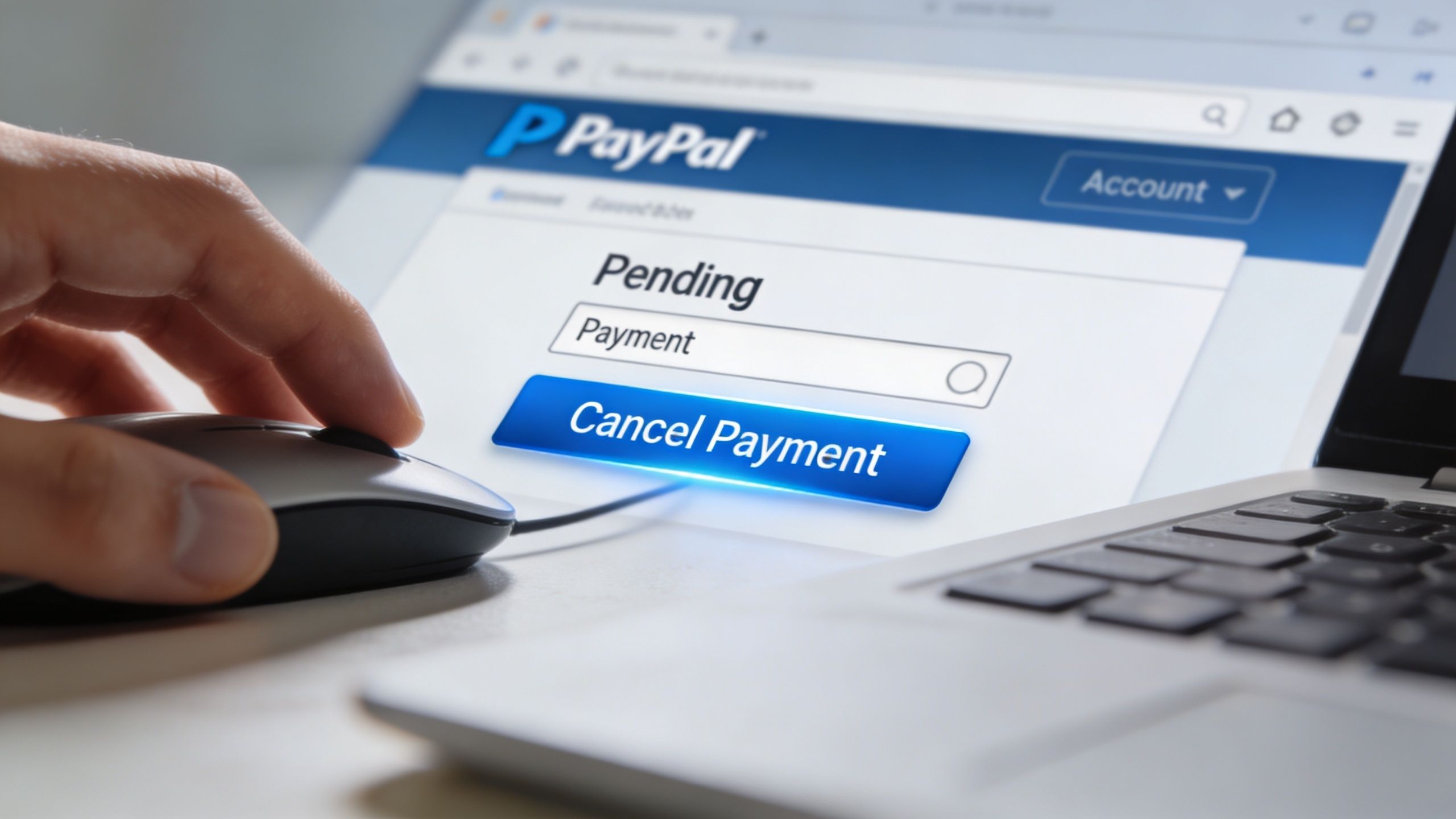
If the payment is marked Pending or Unclaimed, this is the easiest version of the problem. In that state, the money hasn’t fully landed with the recipient yet. That’s the narrow window where PayPal may still let you cancel it.
The exact path that works
For eligible transactions, canceling a pending or unclaimed payment has a success rate approaching 100%, but that drops to near 0% once the payment is completed, according to Wise’s guide to canceling a PayPal payment.
Use this workflow:
- Log in to PayPal on desktop or in the app.
- Open Activity.
- Find the transaction with a Pending or Unclaimed status.
- Click Cancel.
- Confirm on the transaction details page.
If PayPal shows a Cancel option, use it immediately. If there’s no cancel option, assume the payment is already completed or otherwise not eligible.
What those statuses actually mean
Pending usually means the transfer hasn’t fully cleared.
Unclaimed usually means the recipient hasn’t accepted the payment.
That distinction matters because teams often panic when they see the transaction sitting in limbo. Limbo is frustrating, but it’s also the only stage where sender-initiated cancellation still has a real chance.
PayPal says unclaimed or pending payments that the sender can cancel are automatically refunded after 30 days if the recipient doesn’t accept them. Refunds back to a bank account can take up to 5 business days, and refunds to a credit or debit card can take up to 30 days, as explained in PayPal’s help article on pending or unclaimed payments.
The traps that waste time
Wise notes that 70-80% of P2P payments auto-accept, which makes the cancellation window very short. The same guide says about 25% of manual cancellation attempts fail because of mobile app glitches. If you’re trying to cancel a payment that matters, use desktop first and treat speed as part of the process, not an afterthought.
Practical rule: If you suspect a mistaken PayPal payment, don’t start by emailing support or debating the status internally. Open Activity and check whether Cancel is available.
A few operational habits help:
- Use desktop first: The full transaction view is usually clearer there.
- Check immediately after the mistake is found: Delay kills your odds.
- Confirm the status, not the assumption: Teams often say “pending” when the payment is already complete.
- Track payment states in your workflow: If your store handles large order volume, status monitoring matters as much as support speed.
For merchants with custom workflows, API monitoring can help catch eligible cancellations faster. Wise specifically notes that merchants can monitor the PayPal REST API for payment status and act within minutes. If you already work with authorization and capture logic, this fits naturally with broader payment control practices like credit card pre-authorization holds.
When cancellation is realistic
Here’s the fast read:
| Payment status | Can you cancel it yourself | What to do |
|---|---|---|
| Pending | Usually, if PayPal shows Cancel | Open Activity and act fast |
| Unclaimed | Often, yes | Cancel before the recipient accepts |
| Completed | Usually no | Move to refund or dispute options |
This is the cleanest save you’ll get in PayPal. Once the payment moves beyond this state, the problem stops being a cancellation issue and becomes a recovery issue.
Stopping Future Charges with Recurring Payment Cancellation
A customer swears they canceled last week. Your support team cannot find a ticket. Then the next PayPal subscription charge lands, and a preventable billing issue turns into a dispute risk.
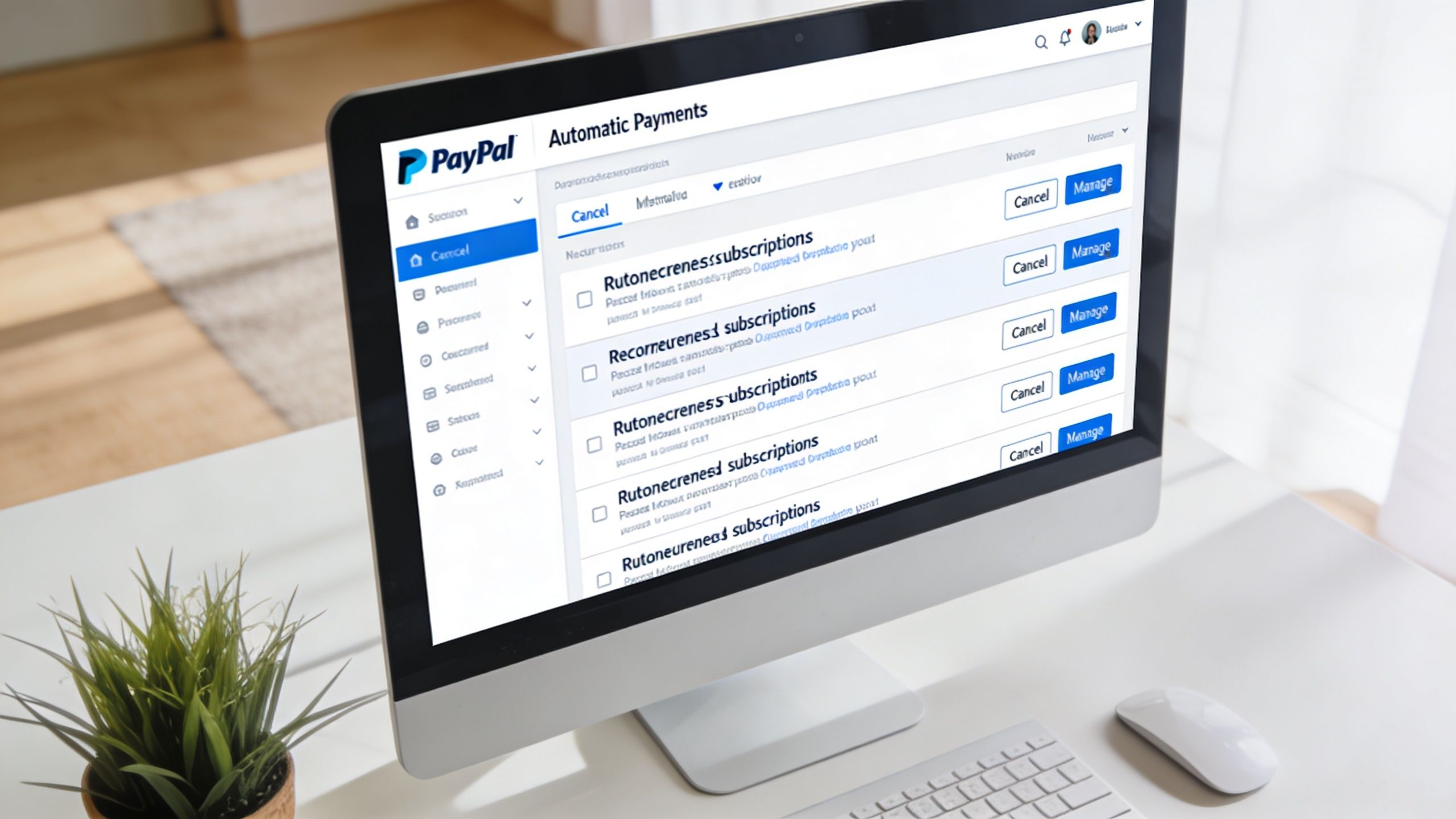
Recurring payment cancellation sits in a different part of PayPal than one-time payment cancellation. The customer needs to stop the billing agreement inside PayPal settings, where automatic payments are managed for each merchant.
A clean path usually looks like this:
- Log in to PayPal
- Open Settings
- Go to Payments
- Select Manage pre-approved payments or Automatic payments
- Choose the merchant
- Click Cancel automatic payment
- Confirm the cancellation
PayPal explains this flow in its help documentation for managing subscriptions and automatic payments, and in practice the timing matters more than the click path. If the customer cancels before the next renewal is queued, the next charge often never happens. If they wait until the billing date is already in motion, your team may be dealing with a refund request or a dispute instead of a simple cancellation.
That is why I treat recurring-payment cancellation as an ops control, not a support chore. Every successful cancellation can remove one future charge the customer might call unauthorized. For Shopify merchants using PayPal, that means fewer avoidable disputes, less time spent gathering evidence, and less pressure on your dispute rate.
The failure point is usually communication. Subscription terms were buried, the cancellation route was not obvious, or the customer thought turning off the app account also stopped the PayPal billing agreement. Zintego’s step-by-step PayPal cancellation guide also notes that unmonitored recurring charges are a common source of PayPal disputes, which matches what support teams encounter in their work.
If your store sells subscriptions, memberships, replenishment orders, or trial-to-paid offers, review the checkout language and post-purchase notices against FTC Negative Option Rule requirements for recurring billing disclosures and cancellation. Clear consent lowers confusion. Clear cancellation steps lower chargebacks.
A short walkthrough helps if you need a visual reference:
One more point matters for customer conversations. Canceling a recurring payment stops future charges. It does not erase a charge that already went through. If your team explains that difference early, you can often keep the customer in a refund conversation instead of losing them to a bank dispute. For questions customers sometimes ask about PayPal credit reporting, send them to Superior Credit Repair's guide to PayPal credit.
When You Can't Cancel Refund, Dispute, or Chargeback
The hard part starts when the payment has already moved past the point where a cancellation is possible. At that moment, speed matters, but classification matters more. If your team treats a refund, a PayPal dispute, and a chargeback as interchangeable, you lose time, increase support costs, and give a preventable issue room to turn into a revenue leak.
That distinction matters at scale. PayPal notes that it handled billions of payment transactions in 2024, and the company’s PayPal Newsroom year-end earnings release shows how large that payment flow really is. Juniper Research also found that merchants face rising fraud pressure as online commerce grows, which is why a failed cancellation should be treated as the first step in dispute prevention, not just a customer service task.

The three paths side by side
| Option | Who starts it | How it works | Merchant impact |
|---|---|---|---|
| Refund | Seller | Seller returns the money voluntarily | Usually the lowest-cost path and the fastest way to contain risk |
| PayPal dispute | Buyer | Buyer opens a case inside PayPal | Requires a response, documentation, and tight internal records |
| Chargeback | Buyer through bank or card issuer | Issuer reviews the reversal request | Highest operational burden and the greatest risk to revenue |
Refunds keep the issue inside your process. Disputes and chargebacks move control outside it.
Refund first when the facts are clear
If your team can confirm the problem quickly, issue the refund. That is often the cheapest decision, even when it stings. A fast refund can stop a frustrated buyer from filing a PayPal claim or going straight to their card issuer, which protects both revenue and dispute rate.
This is usually the right call when the merchant made the mistake. The order was duplicated. The wrong amount was charged. A cancellation request came in on time, but fulfillment or billing still went through. In those cases, defending the charge rarely produces a good outcome.
Use a PayPal dispute when the transaction is still arguable
A PayPal dispute makes sense when there is an actual disagreement about the order, delivery, or billing terms. The process is more formal, and that can help if your records are clean.
It also exposes weak operations fast. If support cannot pull the order timeline, shipment status, prior customer messages, and billing consent in a few minutes, the case becomes harder than it should be. For teams that need a clearer breakdown of the decision tree, this explanation of chargeback vs refund vs reversal is useful because the financial and operational consequences are not the same.
Chargebacks cost the most
Once the buyer files through their bank, your room to control the outcome shrinks. The issuer is now reviewing the case, and your internal intent no longer matters nearly as much as your documentation.
That is why Shopify merchants should build a simple rule set before problems happen. Decide which issues get refunded immediately, which ones deserve a PayPal response, and which ones are likely to become chargebacks no matter what. Teams that make those calls early usually save more money than teams that try to fight every case on principle.
If a buyer’s complaint is tied to financing confusion or PayPal credit reporting questions, support can also point them to Superior Credit Repair's guide to PayPal credit. Clear answers reduce escalation.
A missed cancellation does not automatically become a chargeback. Slow handling, unclear records, and the wrong remedy often do.
A Shopify Merchant’s Playbook for PayPal Payments
A buyer checks out with PayPal, the order clears in Shopify, fulfillment moves, and then support gets the message every operator dreads: “I didn’t mean to place this order.” That moment is not just a customer service issue. It is the start of a revenue protection decision.
PayPal helps many Shopify stores convert shoppers who want a familiar wallet and a faster checkout. It also creates another path to disputes if billing terms, fulfillment records, or support handoffs are loose. Merchants that treat cancellation as a small admin task usually end up spending more time on refunds, claims, and bank disputes later.
What good operators do differently
Good PayPal operations start before a customer asks to cancel anything.
The stores that keep dispute rates under control usually do a few things well and do them every time:
- Keep records aligned: Shopify order details, PayPal transaction IDs, customer messages, and fulfillment events should tell the same story.
- Push tracking out quickly: Fast shipment confirmation gives support and dispute teams stronger evidence if the buyer later says the order never arrived.
- Make contact options obvious: Customers who can reach a real person quickly are less likely to escalate to PayPal or their bank.
- State recurring terms clearly: Billing frequency, trial terms, renewal timing, and cancellation steps should be visible before purchase and easy to find after.
- Train support on status differences: Pending, completed, refunded, reversed, and disputed each call for a different response.
These are small habits. They reduce expensive mistakes.
Treat PayPal as part of your risk operation
PayPal is not just a checkout option. It sits in the middle of order approval, subscription billing, customer communication, refund timing, and dispute evidence. If one of those parts breaks, the payment issue rarely stays small.
I have seen merchants focus on winning the dispute while ignoring the earlier failure that caused it. That is backwards. A missed cancellation request, a confusing renewal notice, or a slow support reply often matters more than the argument you make later in the Resolution Center.
If you want to spot friction before it turns into “unauthorized transaction” or “item not received” complaints, customer research tools like WearView can help teams review what buyers experience across the purchase and post-purchase flow.
The practical goal is simple. Shorten the gap between customer expectation and merchant response.
That is why cancellation should be treated as the first move in a broader chargeback prevention strategy for Shopify merchants, not as a standalone support task. Stores protect more revenue when payment handling, fulfillment proof, and service response all work together.
Stop Managing Disputes and Start Winning Them
Knowing how to cancel a PayPal payment helps. It saves a transaction when the status is still eligible and the team moves quickly enough. But the harder truth is that many payment problems won’t stop there. Once the payment is completed, you’re dealing with refunds, disputes, and chargebacks.
Manual dispute work burns time and produces inconsistent results. Teams scramble for screenshots, tracking data, customer messages, and policy records while deadlines keep moving closer. That’s not a reliable system.
ChargePay was built for that part of the job. It automatically detects dispute risk, builds evidence packages, and submits representment responses. Across 200K+ cases, ChargePay posts a 92.4% win rate and has recovered $10.8M+ for merchants. It also runs on a pay-per-win model, so you only pay when money is recovered. If you want to tighten your internal response process first, Mr. Green Marketing's refund tips are worth reviewing alongside a stronger chargeback representment workflow.
Chargebacks don’t become manageable because your team works harder. They become manageable when the response system is better.
Install ChargePay from the Shopify App Store if you’re tired of losing revenue to disputes you shouldn’t have to fight by hand. With a 4.9-star rating, a Built for Shopify badge, and a pay-per-win model, it’s a practical way to stop babysitting chargebacks and start recovering more of the money that should’ve stayed in your business.


.svg)



.svg)


.svg)
.svg)
.svg)