

A PayPal money request scam is a particularly sneaky form of fraud. It’s when a scammer sends you a fake invoice or payment request, but they do it using PayPal's actual system. Because the notification comes directly from PayPal, it looks completely legitimate. It breezes past spam filters and lands in your inbox, creating a false sense of trust that pressures you into paying for something you never actually ordered.
As a Shopify store owner, you’re the prime target for these scams and the costly chargebacks they cause. We know because we've helped merchants handle over 100,000 disputes, recovering more than $2.8 million in the process. Understanding how this scam works is your first step to protecting your revenue.
How the PayPal Money Request Scam Works
Unlike the typical phishing emails that try to lure you to a fake website, this scam is cleverer—it uses PayPal’s own "Request Money" or invoicing feature against you.
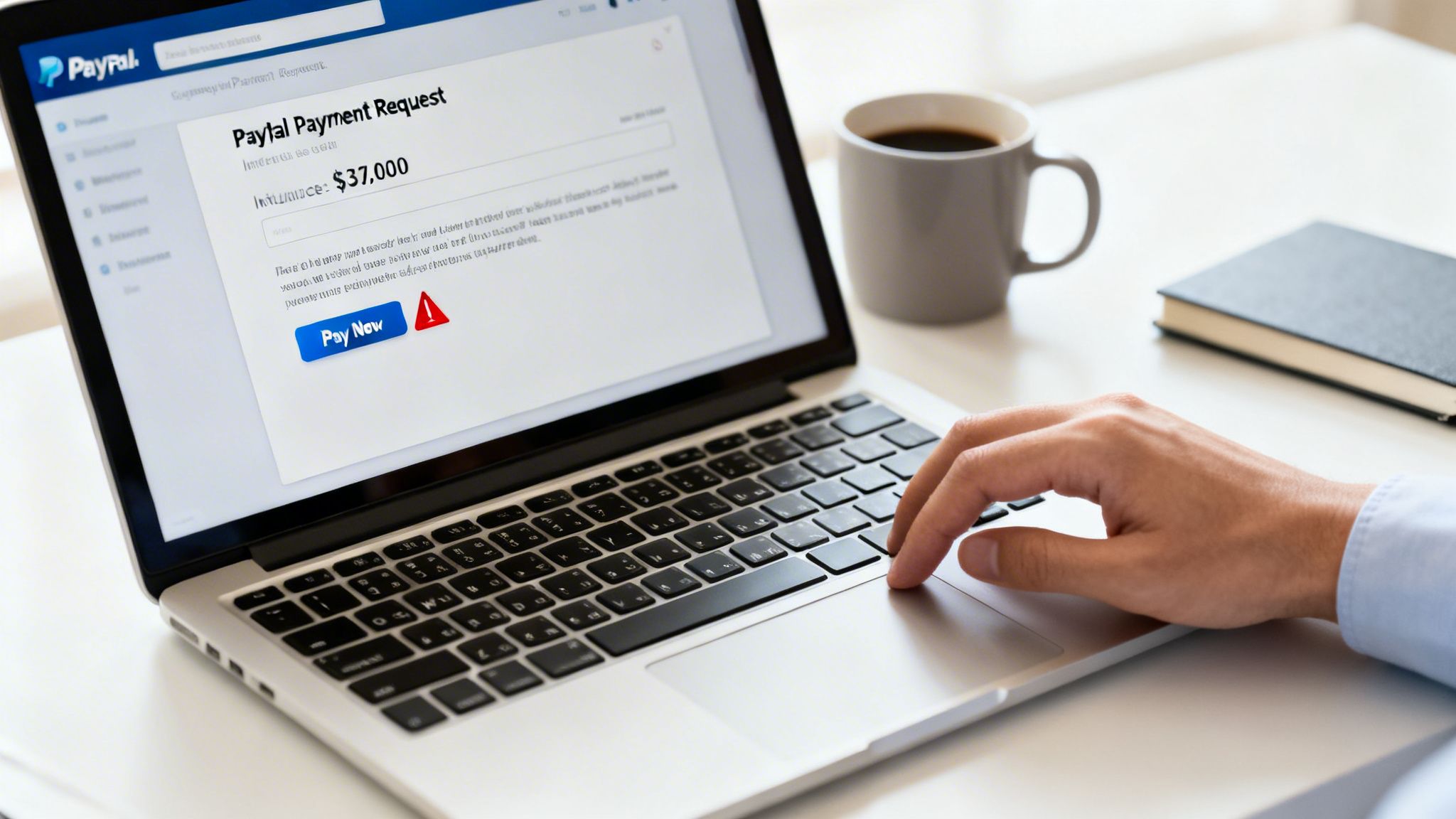
Here's the playbook: a fraudster creates a professional-looking invoice, often for a high-value item or an urgent service renewal, and sends it to your email address through PayPal. The next thing you know, you get an official-looking email from service@paypal.com showing a pending request.
This tactic works so well for a few key reasons:
- It uses a trusted source: That email comes from PayPal, a name you recognize and trust. Your guard is immediately down.
- It creates urgency: Scammers love to dial up the pressure. The invoice often includes threatening language, like "Your account will be suspended" or "Immediate payment required," to rush you into paying before you have time to think.
- It exploits busy schedules: As a Shopify merchant, you’re juggling dozens of invoices and payments. A scammer's request can easily blend in with legitimate transactions, especially when you're swamped.
Key Signs of a PayPal Money Request Scam
It's easy to get caught off guard, but these scams often have tell-tale signs. Use this quick reference table to spot the warning signs of a fraudulent PayPal invoice or money request before it costs you.
Being aware of these red flags is your first line of defense. Always take a moment to review any unexpected request, no matter how official it looks.
The Scale of the Problem
The sheer volume of transactions on PayPal makes it a massive playground for fraudsters. In 2023, PayPal processed a staggering 25 billion transactions totaling $1.53 trillion. Even with a relatively small fraud rate of just 0.17% of revenue, this translates to roughly $1 billion in annual losses for the company and its users.
Scammers specifically target the money request feature because it's a direct line to your wallet that appears completely official.
For Shopify merchants, this isn't just a minor headache. A scammer can target one of your customers with a fake invoice pretending to be from your store. The customer, thinking it's real, pays it. When they realize the product isn't coming, they file a chargeback against you.
This is the core danger for your Shopify store: you become the financial victim of a scam you had nothing to do with. You lose the revenue, the product (if any was involved), and get hit with a chargeback fee.
These scams directly hit your bottom line and can seriously damage your store’s reputation. Understanding the different forms they take is the first step toward protecting your business. For a deeper dive, check out our guide on other common PayPal chargeback scams and how to fight them. This knowledge is your best defense against schemes designed to drain your revenue.
How to Spot a Fake PayPal Request Before You Pay
Scammers have gotten incredibly good at making their fake requests look like the real deal. But no matter how convincing they seem, there are always clues. As a Shopify merchant, you're swimming in transactions daily. Learning to spot these subtle red flags is what separates brushing off a scam from losing hundreds of dollars. It all comes down to slowing down and really looking at the details.
And this isn't a small problem—it's getting bigger. Phishing scams using fake PayPal invoices and money requests are on the rise, with reported cases jumping 25% year-over-year. A huge 41% of users say they've received one of these scams.
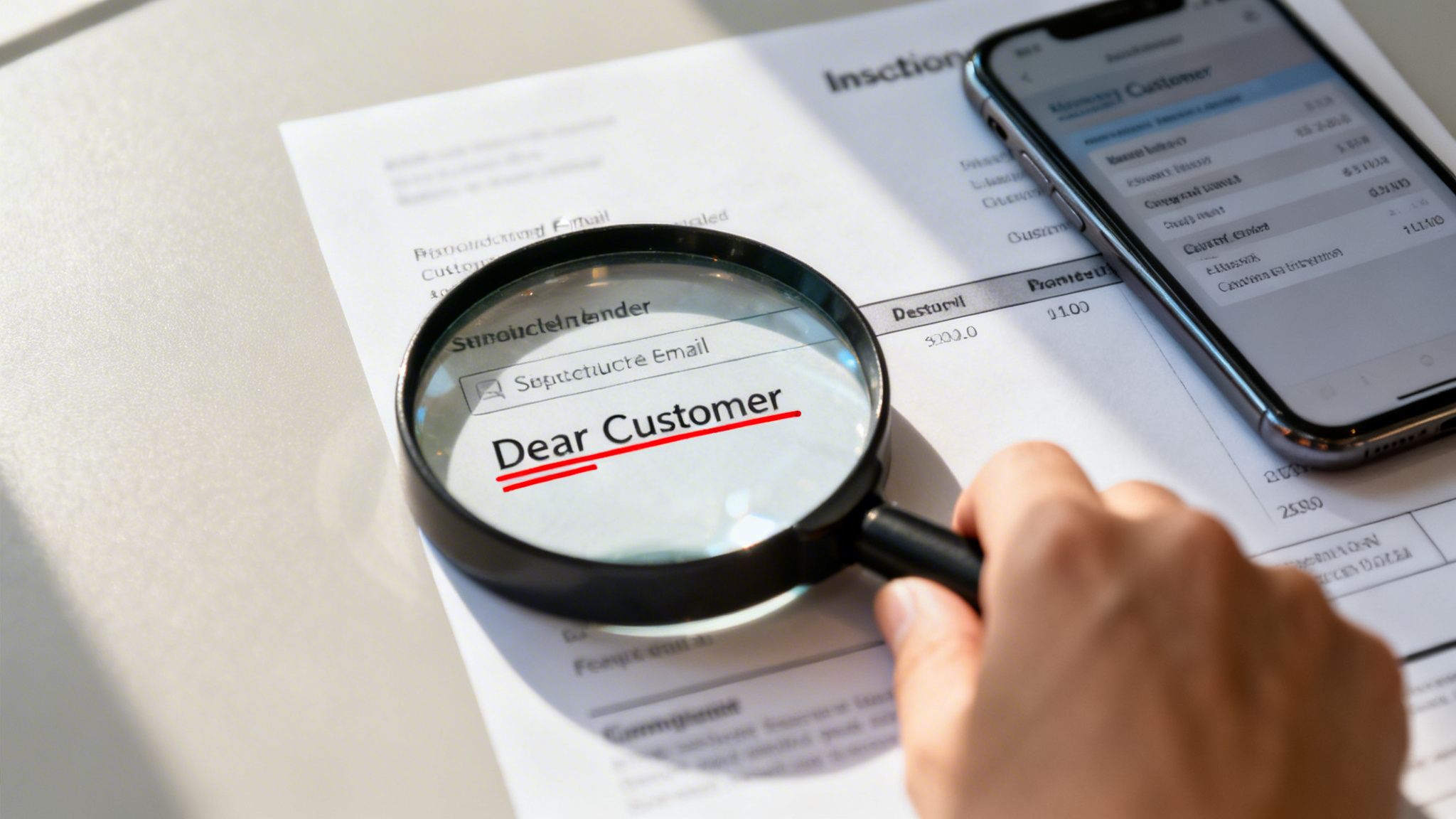
These phony requests usually show up as texts or emails. They often have generic greetings like 'Dear PayPal user,' create a false sense of urgency about a 'pending invoice,' and might include suspicious attachments loaded with malware. Even the links are often scrambled to lead you to a phishing site designed to steal your info.
Check the Sender's Details
First things first: look at who sent it. Does the name or email address actually match a customer in your Shopify records? Scammers love to use generic names or names that are just slightly off, hoping you're too busy to notice the difference.
Think about a request from "Zenco Supplies" when your actual customer is "Zenko Supply." That one-letter difference is a massive red flag. You should cross-reference every single unexpected request with your real customer database. If you can't find a match, assume it's a scam until you can prove it's not.
Scrutinize the Invoice Content
Real invoices are professional and detailed. Scammers? Not so much. They're often lazy, or English isn't their first language, and it shows. Keep an eye out for these dead giveaways on a fake PayPal request:
- Generic Greetings: A legitimate invoice from a system you use will call you by your name or your business's name. If you see "Dear Customer" or "Valued User," be suspicious.
- Spelling and Grammar Mistakes: Sure, anyone can make a typo. But an invoice full of errors is practically screaming "scam."
- Vague Item Descriptions: A request for $499.99 for "Product Order" or "Service Fee" is a classic scam tactic. A real invoice will list the specific item, SKU, or service you're being billed for.
The most dangerous part of a PayPal money request scam is when they include a "helpful" phone number in the memo. The note will say something like, "If you did not authorize this payment, call us immediately at [fake number]." This isn't PayPal's support line; it's a direct line to the scammer, who's ready to trick you into giving up your account details. Never call these numbers.
For more ways to lock down your transactions, check out our deep dive on enhancing PayPal payment security for your e-commerce store. By staying vigilant and knowing what to look for, you can shut down these fraud attempts before they ever cost you a dime.
What to Do When You Receive a Suspicious PayPal Request
A fake invoice just landed in your inbox. Your first instinct might be to panic or react, but the most powerful first step is to do nothing at all.
Don't reply. Don't click "Pay." And whatever you do, do not call any phone number you see in the invoice notes. Scammers put those numbers there for one reason: to lure you into a conversation where they can steal your account details.
Taking a breath and following a clear plan is your best defense. The goal here is to shut the scam down without ever engaging the fraudster and to secure your account from any potential breach.
Your Immediate Action Plan
Once you've spotted a request that feels like a scam, your next moves are critical. Instead of interacting with the scammer, you need to report them directly through the proper channels. This not only protects your own business but also helps PayPal identify and shut down these fraudulent accounts.
Here’s exactly what to do:
Report the Invoice Inside PayPal: Log into your PayPal account directly—never through a link in an email. Find the suspicious invoice or money request, click on it, and look for an option to cancel and report the invoice. This immediately flags the transaction and the sender's account within PayPal's system.
Forward the Phishing Email: Take the original email you received and forward it to PayPal’s dedicated security team at phishing@paypal.com. It's important that you don't change the subject line or forward the message as an attachment. This gives their team the raw information they need to investigate the source of the scam.
Check Your Account Activity: As a precaution, quickly review your recent account activity for any transactions you don't recognize. While this specific scam relies on you paying the invoice, it's always smart to ensure there hasn't been other unauthorized activity.
A common mistake merchants make is trying to resolve the issue themselves by replying to the scammer. This only confirms that your email is active and makes you a target for future scams. The best approach is always to report and block.
Following these steps closes the door on the scammer. However, if you're dealing with a high volume of transactions, knowing how to handle disputes that do escalate is crucial. You can learn more about the next steps by reading our guide on how to escalate a case on PayPal when a transaction goes wrong. Securing your account is the first step; knowing how to fight back is the next.
The True Cost for Merchants: The Link Between Scams and Chargebacks
For you as a Shopify owner, a PayPal money request scam might just seem like another piece of junk in your inbox. But it's much more than that. It's a direct line to your bottom line, creating a painful link between the scam itself and the chargebacks that can cripple your business.
These scams don't just target you—they hijack your brand to go after your legitimate customers.
Imagine a fraudster crafting a convincing invoice that looks like it's from your store. They send it to one of your loyal customers, who, trusting your name, pays it. When they realize they’ve been tricked and no product is coming, what's their first move? They file a chargeback. And that chargeback is filed against you, the innocent merchant whose brand was stolen.
This isn't just a "what if" scenario. It’s a very real and growing problem that siphons revenue directly from businesses like yours.
The right strategy is actually the simplest one. Don't fall for the bait.
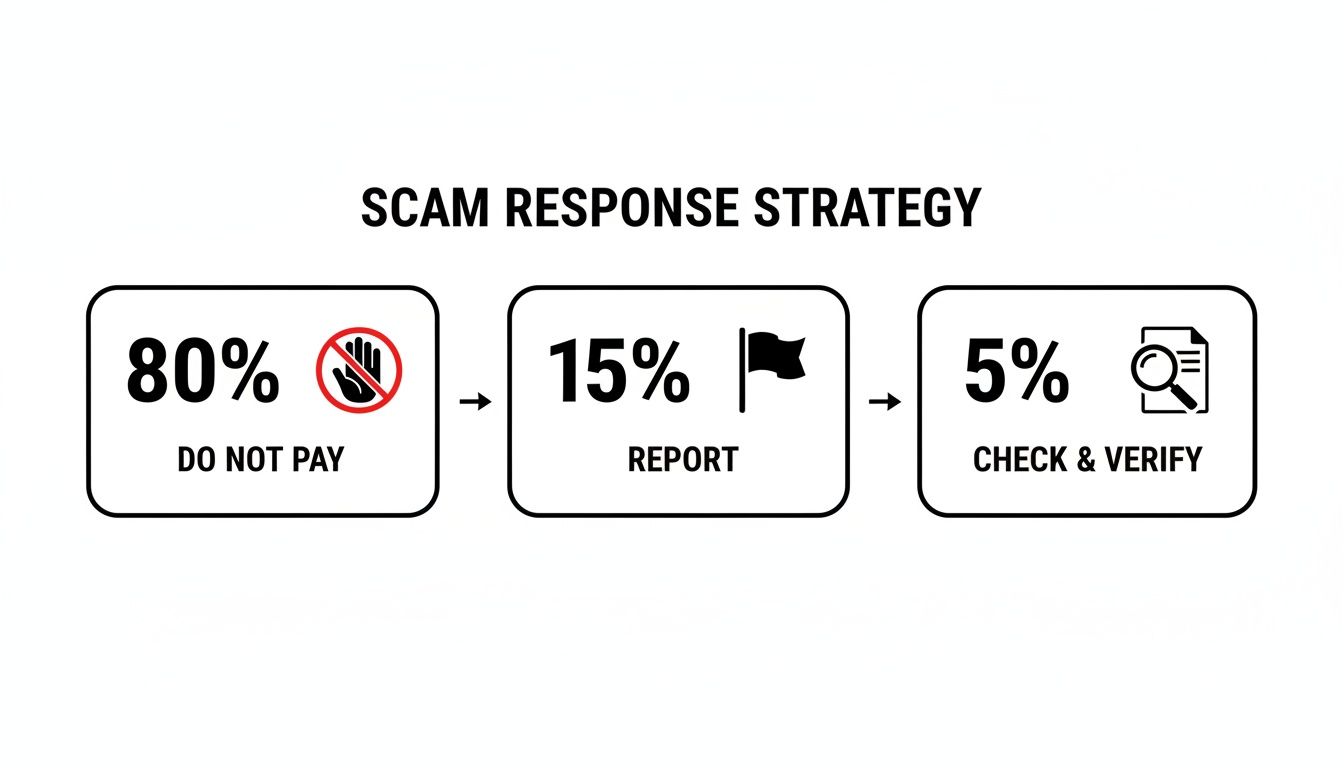
The takeaway here is crystal clear: the best action is usually no action. Don't engage, never pay, and always report suspicious activity directly on the platform.
The Financial Drain of Chargeback Fraud
The real damage from these scams goes far beyond the initial transaction amount. It’s the mountain of operational work, hefty fees, and brand erosion that comes with every single chargeback. For merchants juggling countless PayPal transactions, even a simple tool like a Paypal Invoice Extractor can be a lifesaver for keeping records straight and spotting issues before they escalate into disputes.
When a customer disputes a charge, you're the one left holding the bag. The burden is staggering. On average, organizations deal with 679 chargeback frauds every month, with each individual case eating up a painful 31 hours of your team's time.
This isn't just about one fake invoice. The numbers paint a grim picture for the entire industry. With average annual fraud losses projected to hit $3.7 million per retailer by 2025, it’s obvious that every fraudulent transaction is a drop in a very large, very expensive bucket.
The connection is direct: a scammer sends a bogus $400 request for goods never shipped, the victim pays, and then they dispute the charge. The result is a reversed transaction and a chargeback against a merchant who may not have even been involved.
Protecting Your Payment Processing Health
Every chargeback you receive is a black mark on your payment processing history. Let your chargeback ratio creep too high, and you'll face consequences that are far more damaging than a single lost sale.
Your chargeback rate is a critical metric that processors like PayPal watch like a hawk. If it gets out of control, you could be looking at:
- Higher Processing Fees: Processors will label you a "high-risk" merchant and jack up your transaction fees to cover their own perceived risk.
- Frozen Funds or Rolling Reserves: They might start holding back a percentage of your revenue as a reserve to cover potential future chargebacks, which can be devastating to your cash flow.
- Account Termination: In a worst-case scenario, they can shut down your payment processing account entirely, leaving you dead in the water and unable to accept payments.
This is exactly why preventing these disputes is so vital. To build a stronger defense for your store, you can dive into our detailed guide and learn how to avoid PayPal chargebacks. Every scam-induced chargeback you stop is a win for your business's long-term financial health.
Automate Your Chargeback Defense and Stop Losing Money
Manually fighting chargebacks from a PayPal money request scam is a slow, frustrating grind. It’s an absolute drain on your time and resources. For every fraudulent dispute, you're stuck digging for evidence, crafting responses, and navigating PayPal’s Resolution Center—all while your revenue is held hostage. It's time to stop the leak.
Think about it. Instead of burning hours on a single dispute you might lose anyway, you could be fighting—and winning—on autopilot. The difference between losing money to fraud and actually recovering it often comes down to the speed and quality of your response.
Turn a Revenue Leak into a Solved Problem
We built ChargePay because we saw firsthand how much time and money Shopify merchants were losing to this broken process. Our AI-powered platform was designed specifically to manage the entire chargeback process for you. The second a chargeback hits your account, our system gets to work. It instantly analyzes the specific reason code, pulls all the necessary evidence from your Shopify store, and builds the strongest possible response to win the case.
We've successfully handled over 100,000 disputes for Shopify merchants just like you, recovering more than $2.8 million in lost revenue. This isn't just about fighting back; it's about winning back what's yours.
Our system is engineered to counter the exact tactics that scammers and opportunistic customers use. It finds and presents the critical evidence needed to shut down fraudulent claims, such as:
- Proof of delivery with matching shipping addresses.
- Customer communication logs.
- Timestamps of customer activity on your site.
- IP address logs that match the order location.
This evidence is then compiled into a professional representment document that meets all of PayPal's and the credit card networks' strict requirements, which seriously boosts your chances of winning. With ChargePay, you get a 92.4% win rate without lifting a finger. If you want to dive deeper into how it all works, check out our complete guide to automated chargeback and dispute management using AI.
Built for Shopify Merchants
We get the unique headaches that come with running a Shopify store. That’s why ChargePay is a 'Built for Shopify' app—a badge given only to apps that meet the highest standards for performance, security, and user experience. With a 4.9-star rating on the Shopify App Store, we’ve proven our value to thousands of merchants.
Picture this: a customer files a chargeback claiming they never received an item, even though tracking shows it was delivered. Manually, that’s at least an hour of your day gone—finding the order, downloading the tracking proof, and writing a response. With ChargePay, our AI handles all of that in seconds, submitting a perfectly formatted response on your behalf.
By automating your defense, you stop reacting to chargebacks and start proactively protecting your revenue. This frees you up to focus on what actually matters—growing your business—instead of constantly battling to keep the money you’ve already earned.
Stop letting chargebacks from schemes like the PayPal money request scam eat into your profits. Install ChargePay from the Shopify App Store today and let our AI turn your biggest headache into a solved problem.
Frequently Asked Questions About PayPal Scams
We get a lot of questions from Shopify merchants about this specific PayPal money request scam and the chargebacks that often follow. Let's cut through the noise and get straight to the practical answers you need to protect your store.
Can I Get My Money Back If I Paid a Fake PayPal Request?
Getting your money back after paying a bogus invoice is tough, but it’s not always a lost cause. If you've been tricked into paying, you have to move fast. Your very first move should be to contact both PayPal and your bank or credit card company to report the fraud and kick off a formal dispute.
But here’s the hard truth: success is never guaranteed. Scammers are pros at moving money around quickly, which makes recovery incredibly difficult. This is exactly why prevention is your best and only real defense. Taking a moment to verify every single request before you click "pay" is the only foolproof way to avoid a loss.
Does PayPal Automatically Protect My Business From These Scams?
You'd think so, but it's not that simple. While PayPal has plenty of security features, this particular scam is devious because it abuses the platform's legitimate tools. Scammers aren't hacking anything; they're just exploiting the system as it was designed to be used. This makes it almost impossible for PayPal to automatically flag these requests without causing major disruptions for honest businesses.
At the end of the day, the responsibility to spot and report these fake requests lands squarely on your shoulders. You're the first—and last—line of defense for your account. This is also where the problem spills over into chargebacks. If a scammer uses your brand to fool a customer, you're the one left holding the bag, trying to prove that the customer's resulting chargeback is fraudulent.
Key Takeaway: You can't just set it and forget it with PayPal's security. Being proactive about verifying and reporting is an absolute must for any merchant on the platform.
How Do I Prove a Chargeback Is Fraudulent and Not My Fault?
Winning a chargeback that started from a scam requires more than just claiming "it was a scam." That won't get you very far. The burden of proof is on you, the merchant, to provide solid, compelling evidence that you either fulfilled a legitimate order or that the dispute itself is completely invalid.
To build a case that actually wins, you’ll need to pull together specific documentation, like:
- Proof of Delivery: Tracking numbers showing the package was delivered to the correct address.
- Customer Communications: Every email, chat log, or message you exchanged with the buyer.
- Transaction Records: Detailed receipts and invoices from your own systems.
- Digital Footprints: Things like IP address logs and AVS (Address Verification System) matches from the transaction.
This is precisely where an automated system like ChargePay becomes a game-changer. Instead of burning hours digging up this proof for every single dispute, our AI does it all for you in a matter of seconds. We compile all the necessary evidence into a perfectly formatted response that’s built to win.
Stop letting fraudulent chargebacks eat into your revenue. ChargePay has already recovered over $2.8 million for Shopify merchants with an impressive 92.4% win rate. Install ChargePay from the Shopify App Store and let our AI turn your chargeback headaches into a solved problem.


.svg)



.svg)


.svg)
.svg)
.svg)