


You check your Shopify payouts or your ACH payment report, and there it is. R03.
It looks like a small bank code. It isn’t. It means a payment didn’t go through, the order may be sitting in limbo, and your team now has to decide whether to hold fulfillment, chase the customer, or eat the delay. For a new store owner, this kind of error feels random. For an operator, it’s a familiar revenue leak.
The frustrating part is that r03 ach return code issues usually aren’t dramatic fraud events. They’re often boring data problems that still create real damage: delayed cash flow, support tickets, reprocessing work, and a customer who may lose confidence if the order stalls.
That R03 ACH Return Code Is Costing You Money
A typical version of this looks like this: a customer places an order, your system accepts the payment details, and everything seems fine at checkout. Then the bank sends back an R03 return. Now your order isn’t really paid, your inventory may already be allocated, and your support inbox gets one more conversation nobody wanted.
For Shopify merchants, that creates three immediate problems.
- Revenue gets delayed: The sale isn’t settled when you expected.
- Operations get messy: Your team has to pause, review, and contact the customer.
- Risk expands: If the customer gets confused, frustrated, or receives mixed payment messaging, that failed ACH attempt can turn into a billing dispute later.
That’s why it helps to understand the broader impact of ACH failures, not just the code itself. If you already deal with returned payments, ChargePay’s guide to ACH return charges for merchants gives useful context on how these failed transactions affect margins.
Practical rule: Treat every R03 as a revenue-recovery task, not a back-office annoyance.
Merchants often make the mistake of seeing R03 as “just a bank issue.” It isn’t. It’s a failed payment event attached to a real customer, a real order, and a real timeline. If you ship before fixing it, you risk fulfillment against bad payment data. If you wait too long, you risk losing the sale.
The good news is that R03 is usually fixable. You just need to know what it means and how banks decide to send it back.
Decoding the R03 No Account Unable to Locate Error
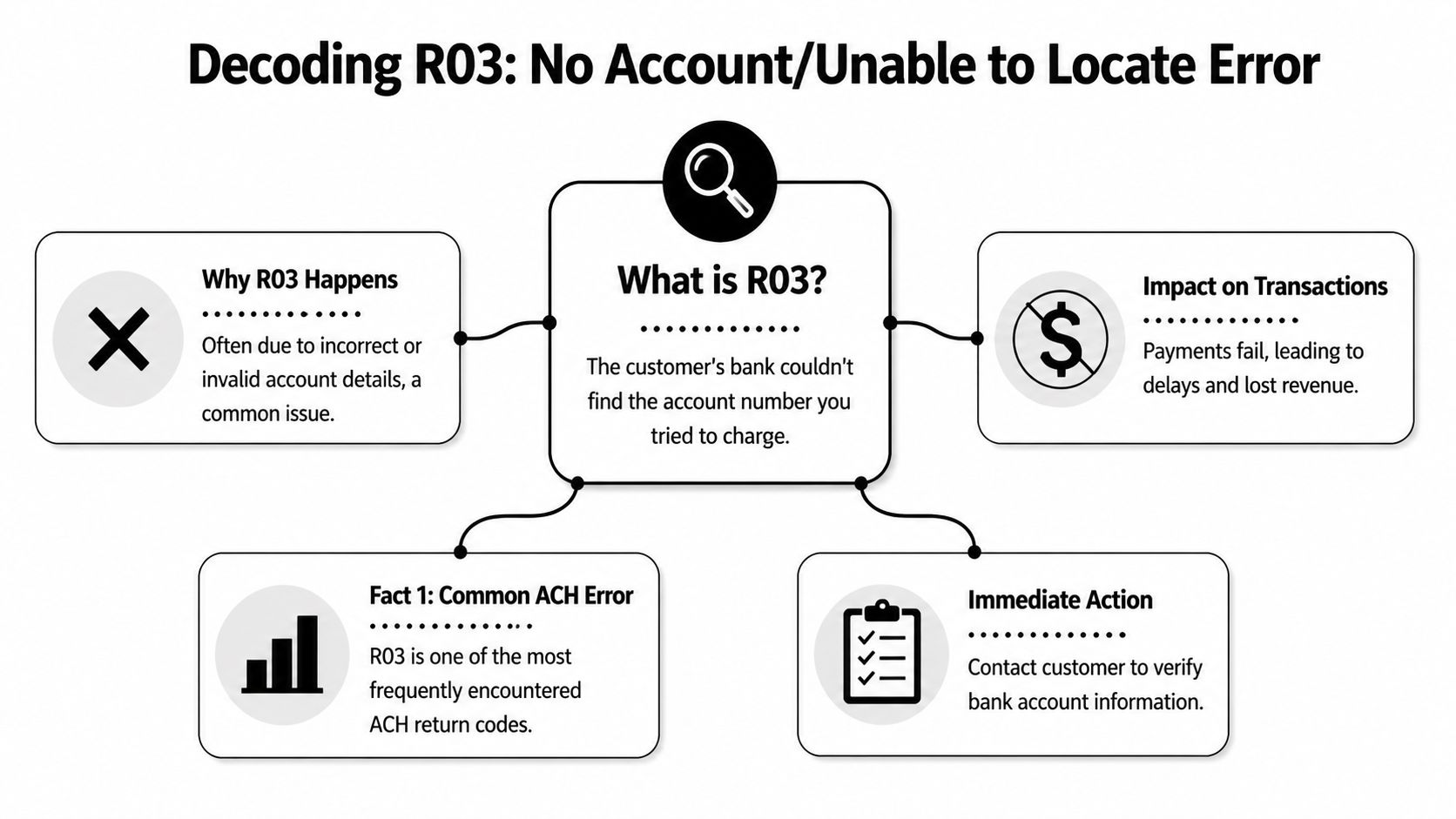
R03 means “No Account/Unable to Locate Account.” The customer’s bank could not match the account number in the ACH entry to an open account on file. For a Shopify merchant, that means the payment failed at the bank-account level. The order may look real in your admin, but the funds are not coming.
Consider the mechanics. The routing number sends the transaction to the correct bank. The account number has to point to a real, active account inside that bank. If the bank cannot find that account, it returns the entry as R03.
What usually causes it
In practice, R03 usually traces back to bad account data or an account that is no longer usable. Common examples include:
- A mistyped account number: One digit is wrong, missing, or added.
- Transposed digits: The right numbers were entered in the wrong order.
- A closed account: The customer used banking details that used to work.
- A very new account: The account may exist, but the bank’s systems may not recognize it yet.
- Outdated customer records: A returning customer submits an account they no longer actively use.
This error frustrates merchants because it often shows up after checkout, not during it. You accept the order, reserve stock, and start the post-purchase flow. Then the return lands and forces you to stop everything and verify the payment details by hand.
What R03 does and does not tell you
R03 is a location problem, not an authorization judgment. The bank is saying the account could not be found based on the information submitted. That is a different issue from a return tied to the customer claiming they never approved the debit. If you want to compare those cases, review these R10 ACH return code scenarios, where the dispute is about authorization rather than whether the account exists.
The practical takeaway is simple. Start with the bank account details. For most Shopify stores, that is the fastest path to recovering the sale without creating more confusion for the customer.
Why R03 Happens The Technical Validation Process
The part most merchants don’t realize is this: with R03, the receiving bank isn’t doing a broad identity review. It’s doing a narrow account match.
According to OSFIN’s breakdown of the R03 return code, the RDFI validates the routing and account number combination and does not use name verification as part of the standard validation protocol. That means a payment can pass your checkout flow with a customer name attached, yet still fail because the bank only cares whether that account exists in its ledger.

What that means in practice
If you’re used to card payments, this can feel backward. Store owners often assume the bank will compare the customer’s name, notice a mismatch, and flag that as the main problem. That isn’t the core check here.
Instead, think of R03 as a data validation signal. It usually points to one of these:
| Situation | What the bank sees |
|---|---|
| Customer typed the wrong account number | No matching account found |
| Account was closed recently | No open account found |
| Account was opened very recently | System may not locate it yet |
This distinction matters because it changes your response. You don’t need to jump straight into a fraud investigation. You need to review the payment data path, your checkout fields, and how account details were captured by your payment processor setup in Shopify.
Operator takeaway: R03 usually points to bad account details before it points to bad intent.
That’s a useful filter. It keeps your team from wasting time on the wrong fix.
Your Action Plan When You Get an R03 Return
An R03 usually shows up after the sale feels done. The order is in Shopify, inventory may already be allocated, and your team is ready to ship. Then the ACH return lands and turns a booked sale into a collection problem.
That is why speed matters here. Every extra hour increases the chance of accidental fulfillment, a frustrated customer, or a billing dispute after the order has already created work for your team.

Do this first
Put the order on hold
Stop fulfillment and tag the order for payment review. If you sell physical goods, this step protects margin fast. Shipping an order tied to an R03 often turns a simple payment correction into a recovery fight.
Verify the stored bank details
Check the routing number, account number, account type, and how the details entered your system. Look for transposed digits, missing numbers, copied data in the wrong field, or mistakes introduced during staff-assisted orders.
Review whether anyone retried the debit
Repeating the same bad information creates more returns and more fees. It can also create ACH rule issues if your team keeps resubmitting without corrected details. Earlier guidance on R03 enforcement makes that point clearly.
Contact the customer with one clear ask
Keep the message factual. Say the bank could not locate the account using the information on file, and ask the customer either to re-enter their bank details from scratch or switch to another payment method. In practice, giving both options gets faster resolution than asking them to “confirm” the same numbers.
A short message is enough:
Hi [Customer Name], we were unable to complete the bank payment for order [Order Number] because the account information on file could not be verified by the bank. Please send updated bank details or choose another payment method so we can complete your order.
What to document internally
Treat each R03 like an operations issue, not just a failed payment.
Log the return code, the date you received it, who reviewed the order, who contacted the customer, and whether the customer corrected the payment method. Also record whether the order was held, canceled, refunded, or converted to card payment. That paper trail matters if the failed debit later turns into a customer complaint or needs to be reviewed inside a return item chargeback process.
When to retry
Retry only after you have new information.
If the customer gives corrected account details, your team can submit a new debit based on that update. If the customer sounds uncertain, cannot verify the account, or goes silent, stop pushing ACH and ask for a card or another approved payment method instead. That choice is often the difference between salvaging the order and wasting more staff time on a payment that was never recoverable.
Stores that sell across markets sometimes compare ACH returns to local recovery systems for bounced payments. For example, merchants dealing with returned checks in Israel may want context on Hotzaa LaPoal for bad checks. It is a different system, but the business lesson is similar. Once a payment fails, disciplined follow-up beats repeated blind collection attempts.
Guessing is expensive. One unchecked retry can turn a fixable bank-data error into lost revenue, support workload, and a customer who decides not to come back.
How to Proactively Prevent R03 Payment Failures
Once you’ve cleaned up a few R03 returns, the pattern becomes obvious. The direct bank return is only part of the cost. The bigger cost is the staff time around it.
That’s especially true for stores with steady order volume. Modern Treasury’s discussion of R03 notes that for high-transaction-volume merchants, even a 0.5% R03 rate on 500 daily orders means multiple failed transactions a day, each bringing customer service overhead and payment gateway reprocessing fees. Their core point is the right one: preventing R03 upstream is more cost-effective than fighting chargebacks downstream.
What actually reduces R03 returns
Some fixes work better than others.
- Use real-time bank account validation: This is the strongest prevention step for ACH-heavy stores. If your payment stack can verify account data before submission, you catch many errors before the bank does.
- Tighten manual entry workflows: If your staff enters bank details for phone orders, wholesale orders, or customer support-assisted transactions, require a second review before submission.
- Improve field instructions at checkout: Customers make fewer mistakes when forms clearly separate routing number, account number, and account type.
- Ask for correction, not confirmation: If an account fails once, don’t ask “is this right?” Ask the customer to re-enter the details from scratch. People often confirm bad data when they’re only asked to glance at it.
Prevention versus cleanup
Here’s the trade-off merchants feel fast:
| Approach | Result |
|---|---|
| Manual cleanup after returns | More support work, slower cash collection |
| Validation before submission | Fewer failed payments, less rework |
Catching account-detail errors before submission is cheaper than chasing failed payments after settlement.
There’s also a chargeback angle here. Customers don’t always separate ACH failures, delayed fulfillment, and billing confusion into neat categories. They just know something went wrong. The cleaner your payment intake process is, the fewer avoidable disputes you invite later.
Let AI Handle Payment Errors and Disputes for You
R03 is one code, but it points to a bigger truth. Payment operations create edge cases all day long. Some are ACH returns. Some become customer complaints. Some turn into disputes your team has to fight under deadline.
That’s where automation starts to matter. If you’re already looking at tools that remove manual payment work, this overview of web automation with Harpa AI is a useful example of how operators are using AI to reduce repetitive tasks across workflows. Payment exception handling benefits from the same mindset.
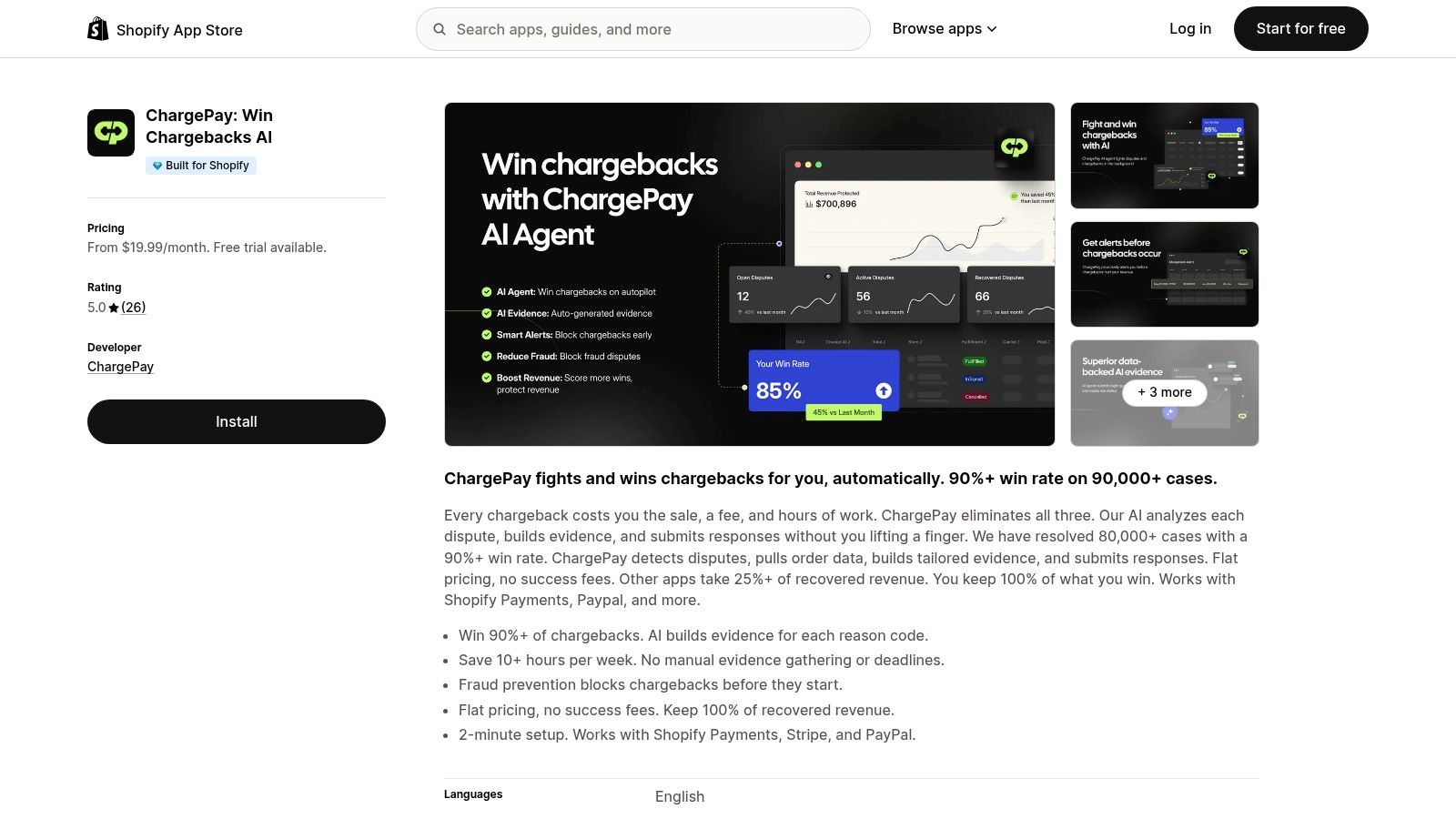
For Shopify merchants dealing with disputes, ChargePay is built for the part that hurts most after the payment problem shows up. It handles the dispute lifecycle with AI, and the platform reports a 92.4% win rate, 200K+ cases handled, and $10.8M+ recovered for merchants. If you want the deeper workflow view, ChargePay also has a guide to automated chargeback and dispute management using AI.
Why this matters for a Shopify store
Manual recovery work feels manageable when you’re small. Then volume grows. One failed ACH here, one customer complaint there, one dispute due tomorrow. That’s when reactive payment ops starts eating time you should be spending on fulfillment, retention, and growth.
ChargePay gives Shopify merchants a way to stop hand-building dispute responses every time something breaks in the payment flow. It’s also rated 4.9 stars on the Shopify App Store, carries the Built for Shopify badge, and uses a pay-per-win model, so you only pay when money is recovered.
If payment errors and chargebacks are draining time from your store, install ChargePay from the Shopify App Store. It helps Shopify merchants automate dispute handling, recover lost revenue, and spend less time chasing payment problems by hand.


.svg)



.svg)


.svg)
.svg)
.svg)